Understanding TradingView: An Overview
In the ever-evolving landscape of financial markets, TradingView has emerged as a powerful tool for traders, investors, and analysts. Leveraging real-time data, advanced charting capabilities, and a collaborative community, TradingView offers an unparalleled platform for market research and strategy development. Whether you are looking to analyze stocks, forex, cryptocurrencies, or derivatives, TradingView provides a unified interface that simplifies the complexity of market analysis. To harness its full potential, it’s essential to understand its core features and how they can be tailored to fit your trading style.
When exploring options, TradingView provides comprehensive insights that can transform how you approach trading.
What is TradingView and Its Core Features?
TradingView is an advanced web-based platform that offers a variety of tools for traders and investors. It allows users to create and customize charts, use technical indicators, and set alerts for price movements. Here are some of its core features:
- Multi-Asset Coverage: TradingView supports a range of assets including stocks, forex, cryptocurrencies, indices, and futures, allowing traders to analyze multiple markets with ease.
- Customizable Charts: Users can create multiple chart layouts, utilize different chart types, and overlay various indicators to gain insights into market trends.
- Social Features: The platform enables users to share their analyses, insights, and trading ideas with a global community, fostering collaboration and learning among traders.
- Strategy Tester: Traders can backtest their trading strategies using historical data, ensuring their methods are sound before applying them in live markets.
- Pine Script: This proprietary scripting language allows users to create custom indicators and alerts, facilitating personalized trading approaches.
Key Benefits of Using TradingView for Traders
Utilizing TradingView can offer several advantages for traders at any skill level. Here are some key benefits:
- Accessibility: Being a web-based platform, TradingView can be accessed from virtually any device with an internet connection, eliminating the need for specific software installations.
- Real-Time Data: Access to real-time data feeds empowers traders to make informed decisions based on the latest market movements.
- User-Friendly Interface: TradingView's intuitive design makes it easy for beginners to navigate while still providing advanced features for seasoned traders.
- Community Insights: The ability to view public charts and community-written scripts allows traders to learn from others and adapt successful strategies to their own trading.
How TradingView Stacks Up Against Competitors
In comparison to other trading platforms, TradingView stands out for its robust feature set and user engagement. Many competitors may offer similar charting tools; however, TradingView's integration of social features provides a unique advantage. The blend of real-time data, user-generated insights, and a powerful scripting tool creates an ecosystem that encourages continuous learning and adaptation.
Furthermore, platforms such as MetaTrader lack the social networking functionalities and extensive community support that TradingView offers, making it a preferred choice for many traders looking for a comprehensive trading environment.
Setting Up Your TradingView Account
Step-by-Step Guide to Creating Your TradingView Profile
Creating a TradingView account is a straightforward process:
- Visit the TradingView website.
- Click on the "Join for Free" button located prominently on the homepage.
- Fill in your details or sign up using an existing Google, Facebook, or Twitter account.
- Verify your email address to activate your account.
- Once logged in, personalize your profile settings to get started with your trading journey.
Customizing Your Dashboard and Layout
After setting up your account, the next step involves customizing your dashboard. Users can tailor their layout to suit their trading preferences. Consider the following:
- Configure your chart types, whether candlestick, bar, or line charts.
- Set up a watchlist to keep track of your favorite stocks or currencies.
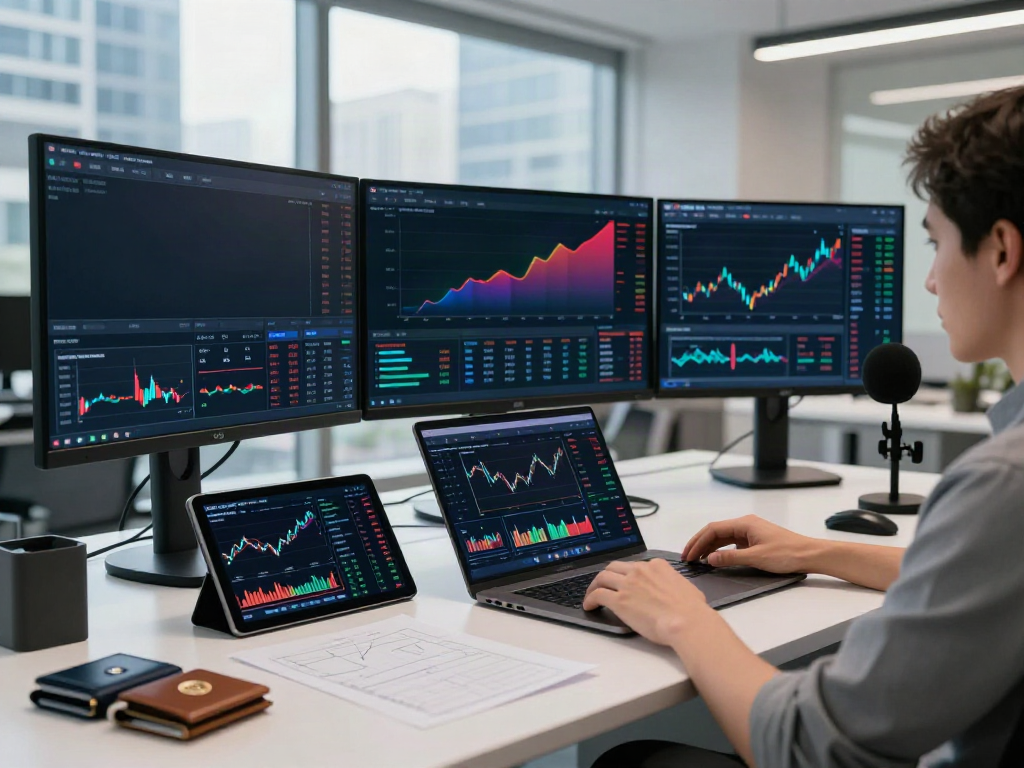
- Utilize multiple monitors to display different charts and analyses simultaneously, enhancing your trading experience.
Connecting to Brokers for Seamless Trading
To facilitate live trading directly from the TradingView platform, users can connect to supported brokers. This integration allows for quick execution of trades based on chart analyses and alerts, streamlining the trading process. Here’s how to connect to a broker:
- Navigate to the “Trading” section in your account settings.
- Select your broker from the list of available options.
- Follow the prompts to link your TradingView account with your brokerage account.
Using TradingView for Market Analysis
Charting Basics: Types of Charts and Indicators
TradingView provides a variety of chart types to suit different trading styles. Understanding these can empower traders to make better decisions:
- Candlestick Charts: Ideal for visualizing market movements, revealing price action trends and reversals.
- Line Charts: Simplified views that connect closing prices over time, useful for spotting long-term trends.
- Bar Charts: Offer more detail than line charts, displaying open, high, low, and close prices.
In addition to chart types, TradingView boasts a wide array of indicators, such as Moving Averages, RSI, and MACD, useful for performing technical analysis and generating trade signals.
Advanced Charting Techniques with TradingView
To enhance analysis, traders can implement advanced charting techniques such as:
- Fibonacci Retracement: A tool to identify potential reversal levels based on the Fibonacci sequence.
- Volume Analysis: Monitoring trading volume alongside price movements helps validate market trends.
- Trend Channels: Drawing trend lines to identify support and resistance levels effectively tunes into market dynamics.
Integrating Pine Script for Custom Indicators
Pine Script allows users to create custom scripts and indicators tailored to their trading strategies. This scripting language is user-friendly and supports the creation of alerts based on unique conditions. Here’s how to use Pine Script:
- Open the Pine Editor within TradingView.
- Write your script using the built-in functions and features.
- Test your script in the Strategy Tester to ensure it performs effectively over historical data.
- Save and apply your script to your charts for real-time analysis.
Creating Alerts and Notifications
How to Set Up Price Alerts on TradingView
Price alerts are essential for staying updated with market movements without constantly monitoring the charts. Here’s how to set them up:
- Select the asset you want to monitor on your chart.
- Right-click on the price level where you want to set the alert.
- Select “Add Alert” from the context menu.
- Configure the conditions and notification method (email, SMS, in-app notifications).
- Save your alert settings.
Using Community Scripts for Enhanced Alerts
TradingView's community offers a plethora of pre-built scripts that can enhance your trading experience. To utilize community scripts:
- Navigate to the Public Library section.
- Search for indicators or strategies that meet your needs.
- Add these scripts to your chart for instant access to new alert functionalities.
Managing Notifications for Effective Trading
Efficient notification management ensures that you receive relevant market information at the right time. Consider the following tips:
- Regularly review and adjust your alert settings based on changing market conditions.
- Utilize different alert types (price, indicator value) to capture critical movements.
- Organize alerts into categories for different assets to maintain clarity.
Future Trends in Trading with TradingView
Emerging Features to Look for in 2026
The trading landscape is poised for rapid technological advancements. Some key features we anticipate include:
- Enhanced AI Integration: AI-driven insights for predictive analytics and automated trading strategies could become mainstream.
- Augmented Reality (AR): Potential use of AR for immersive trading experiences could change how data is visualized and interacted with.
- Social Trading Features: More robust community features allowing users to follow and replicate successful traders' strategies instantly.
How AI and Machine Learning Will Influence Trading
AI and machine learning models are increasingly being integrated into trading platforms to improve market predictions. These technologies can analyze vast datasets much faster than a human, enabling traders to identify patterns and trends that might be overlooked. As TradingView continues to evolve, the incorporation of these technologies will likely enhance its predictive capabilities and user experience.
Predictions for the Trading Community and Technology Integration
With continuous improvements in technology and community engagement, the future of platforms like TradingView looks promising. We expect a shift towards more personalized trading experiences, driven by user data and preferences. Furthermore, enhanced connectivity between brokers and trading platforms will streamline operations, making it easier for traders to execute their strategies effectively.
What is TradingView used for?
TradingView is primarily used for creating and analyzing financial charts, conducting technical analysis, and sharing insights with a community of traders. The platform's comprehensive tools allow users to evaluate trading opportunities across various asset classes, ensuring they are well-equipped to make informed decisions.
How can TradingView improve my trading strategy?
By utilizing TradingView's robust features—for instance, real-time alerts, community insights, and advanced charting capabilities—traders can create a more structured and effective trading strategy. The platform encourages a systematic approach to trading by allowing users to backtest strategies and refine them based on analytical data.
Is there a mobile version of TradingView available?
Yes, TradingView offers a mobile application for both iOS and Android devices. This mobile version includes many of the same powerful features as the desktop platform, allowing traders to analyze markets, receive alerts, and execute trades on the go.
What sets TradingView apart from other platforms?
The unique combination of advanced analytical tools, a vibrant community, and social trading features distinguishes TradingView from other platforms. Users benefit from the ability to engage with fellow traders, explore a wealth of shared strategies, and customize their trading experience according to their personal preferences.
How does TradingView handle real-time data?
TradingView leverages partnerships with data providers to offer real-time market data across various asset classes. This ensures that users are equipped with timely information, which is critical for making informed trading decisions. Additionally, TradingView's infrastructure is designed for optimal performance, reducing lag and ensuring a seamless trading experience.